Free blank chart · A4 and US Letter PDF
My dose steps
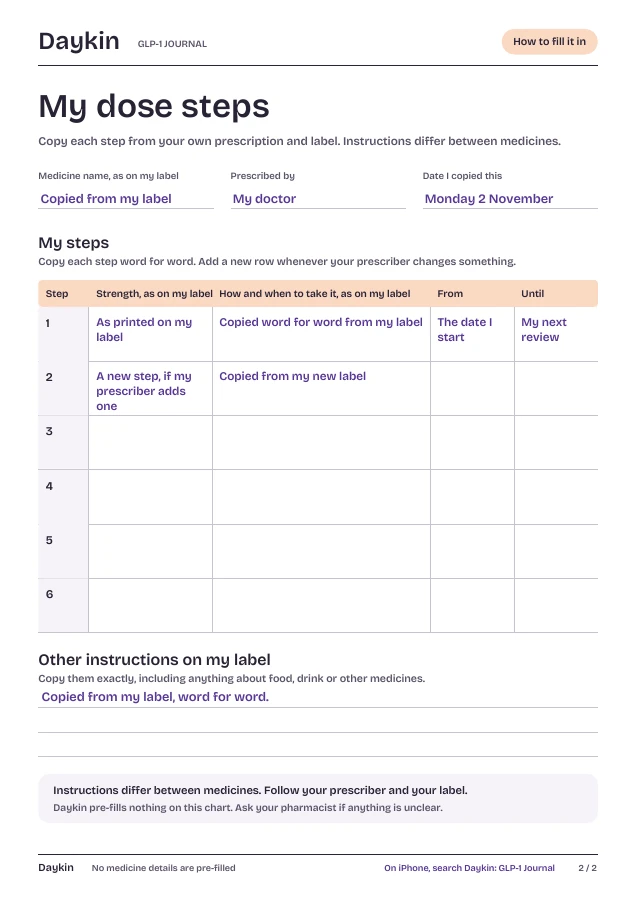
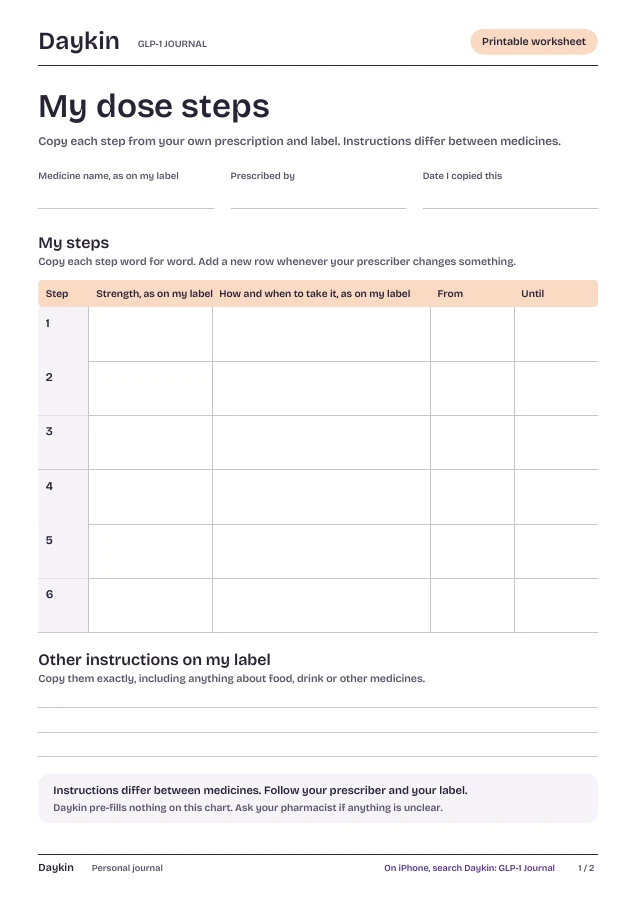
A blank chart for your own prescription. Copy each step from your label, word for word, and keep it where you’ll see it.
Page 2 shows where each entry comes from. No medicine names, doses or schedules are pre-filled.
01 How to use it
Copied from your label, not from us.
Instructions differ between medicines, so the chart starts empty and only you fill it in.
Start with your label
Write the medicine’s name and each strength exactly as printed on your pharmacy label.
One row per step
Copy how and when to take it, word for word, with the date you start. Add a row whenever your prescriber changes something.
Ask if it’s unclear
If anything on your label is unclear, ask your pharmacist or prescriber before you write it down.
Daykin pre-fills nothing on this chart. There are no medicine names, doses or schedules here, because instructions differ between medicines. Follow your prescriber and your label.
✦ Daykin for iPhone
Your pill,
in one tap.
Pill mode arrives in Daykin 1.1. Today’s app keeps check-ins, meals, notes and shots.
Pill mode is in Daykin for iPhone now.
- One tap. Record today’s pill with the time. Change the time later if you need to.
- Your own wait. If your prescriber or label says to wait before eating, type your wait and Daykin shows when it ends. Daykin never suggests one.
- One page for your visit. Pills, shots, how your body felt and your questions, as a PDF you choose to share.
- Private by design. No account. Your journal stays on your iPhone.
On the App Store for iPhone. Subscription required.
02 Keep going
More free printables.
Every sheet comes in A4 and US Letter, with a filled-in page to show how it works. See all seven.
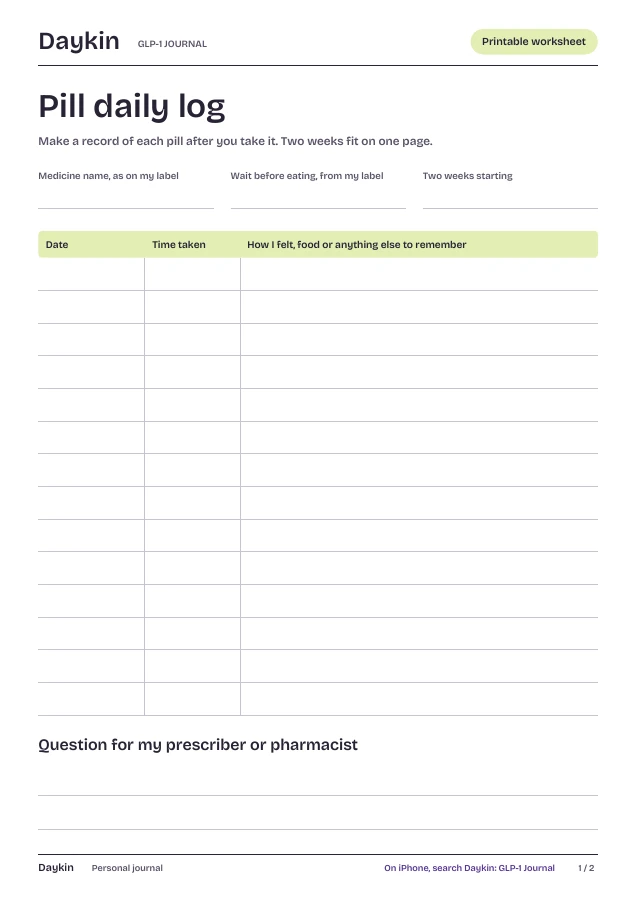
Pill daily log ↗
Two weeks of pills, times and notes on one page.
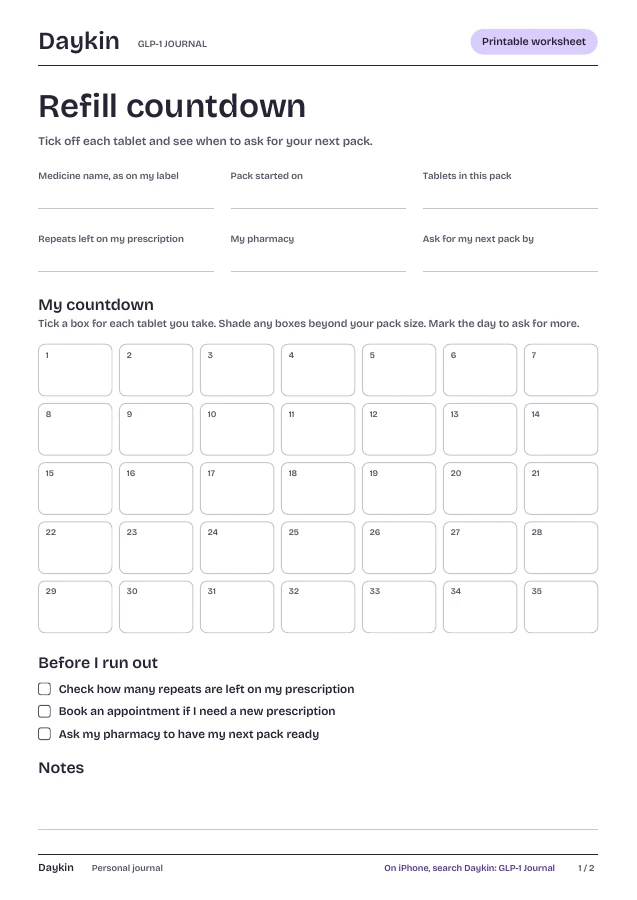
Refill countdown ↗
See when to ask for your next pack.
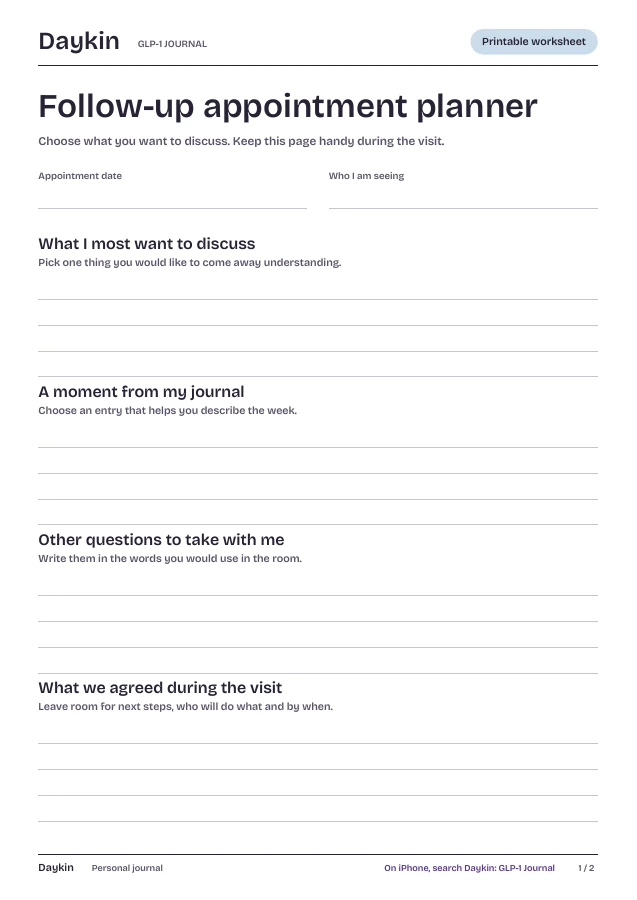
Follow-up appointment planner ↗
Take your own questions into the room.
 Keeping track of a GLP-1 tablet in AustraliaWhat the TGA has registered, what isn’t confirmed yet, and how to keep your own notes.



Your pill,
your notes.
Get Daykin on the App Store
On the App Store for iPhone. Subscription required.