Free printable · A4 and US Letter PDF
GLP‑1 pill daily log
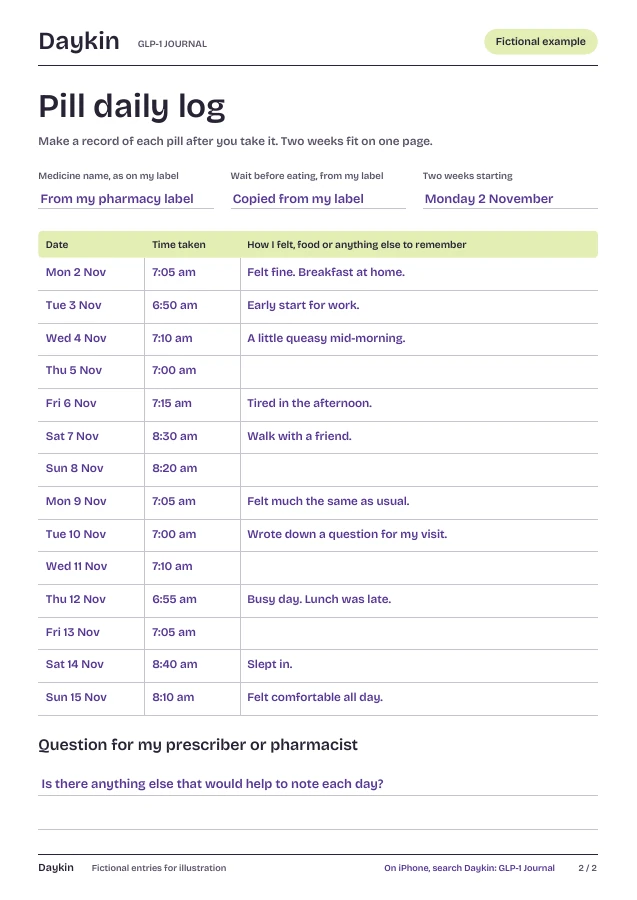
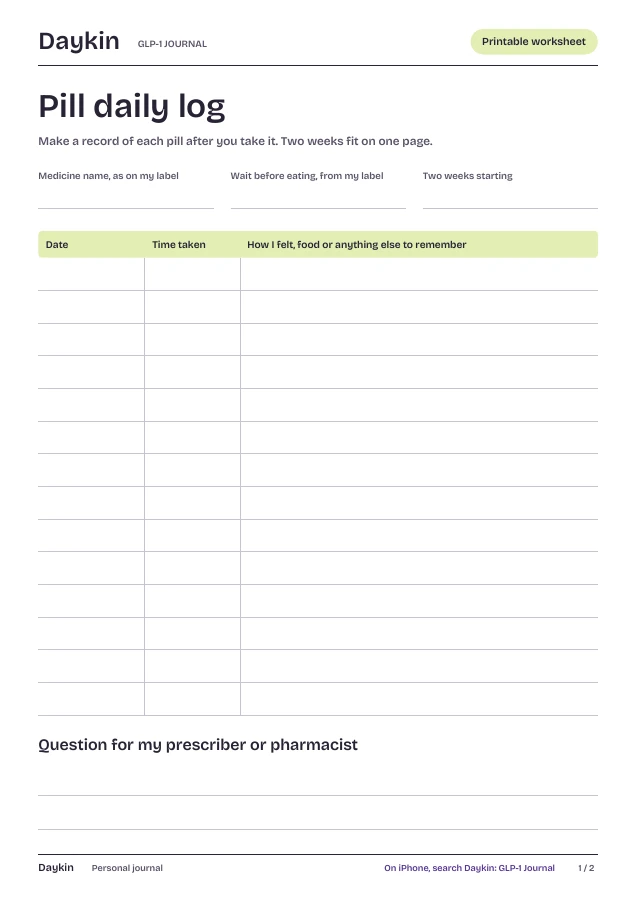
Two weeks on one page. Note the time you took each pill and anything you noticed, then bring it to your next appointment.
Page 1 is blank. Page 2 shows a fictional example.
01 How to use it
A line a day.
The log only records what you did. How to take your tablet comes from your prescriber and your label.
Copy from your label
Write your medicine’s name and, if your label gives one, your wait before eating, exactly as printed.
Note each pill
After you take it, write the date and time. Add a few words about food or how you felt if something stands out.
Bring it along
Take the page to your next appointment, with the question you wrote at the bottom.
Instructions differ between tablets. Some labels ask you to wait before eating and some don’t. Follow your prescriber and your label. This sheet records what you did; it doesn’t tell you what to do.
✦ Daykin for iPhone
Your pill,
in one tap.
Pill mode arrives in Daykin 1.1. Today’s app keeps check-ins, meals, notes and shots.
Pill mode is in Daykin for iPhone now.
- One tap. Record today’s pill with the time. Change the time later if you need to.
- Your own wait. If your prescriber or label says to wait before eating, type your wait and Daykin shows when it ends. Daykin never suggests one.
- One page for your visit. Pills, shots, how your body felt and your questions, as a PDF you choose to share.
- Private by design. No account. Your journal stays on your iPhone.
On the App Store for iPhone. Subscription required.
02 Keep going
More free printables.
Every sheet comes in A4 and US Letter, with a filled-in page to show how it works. See all seven.
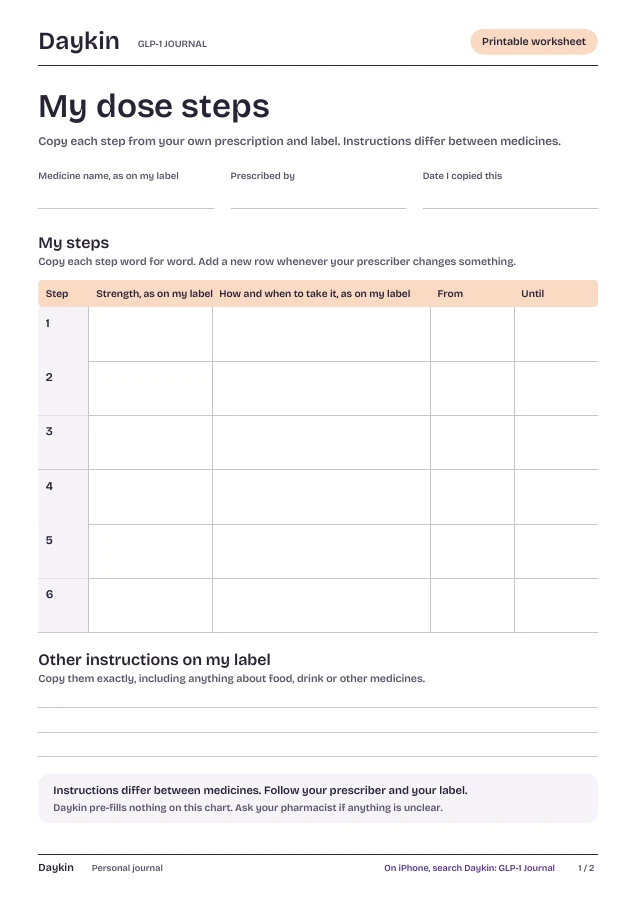
My dose steps ↗
A blank chart you fill in from your own label.
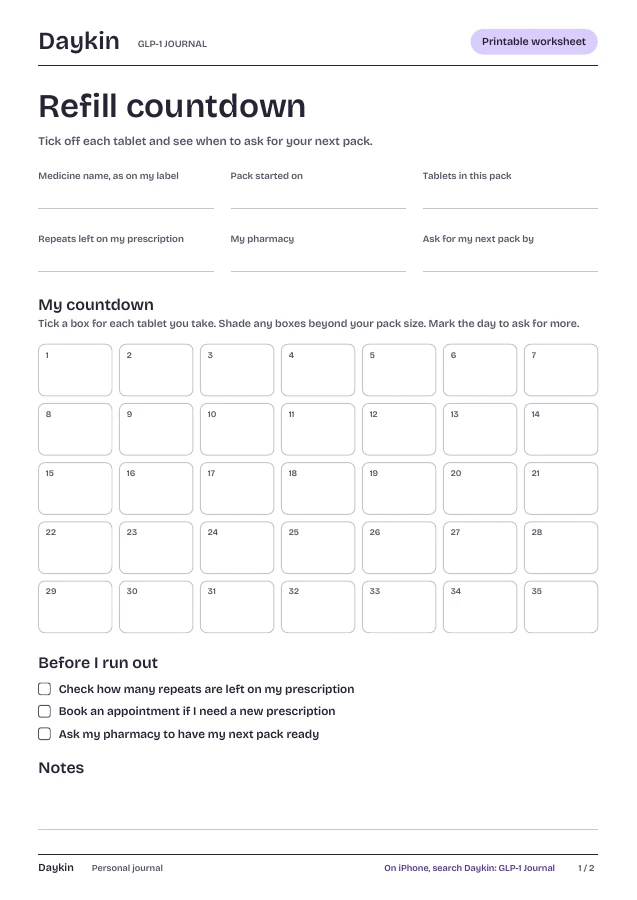
Refill countdown ↗
See when to ask for your next pack.
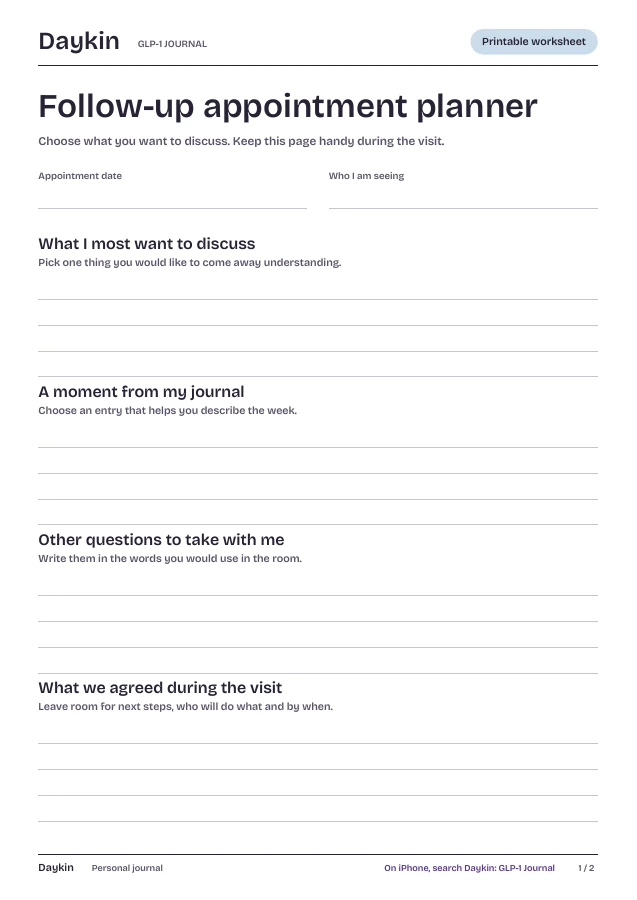
Follow-up appointment planner ↗
Take your own questions into the room.
Keeping track of a GLP-1 tablet in AustraliaWhat the TGA has registered, what isn’t confirmed yet, and how to keep your own notes.



Your pill,
your notes.
Get Daykin on the App Store
On the App Store for iPhone. Subscription required.